
 SV IT SOLUTIONSHYDERABADLet’s talk ↗
CONNECTED. PROTECTED. SUPPORTED.
YOUR TECHNOLOGY.
WORKING BETTER.
Complete IT solutions for homes, offices and businesses across Hyderabad. We design, install and support reliable networks, Wi-Fi, CCTV, workstations and everyday computer systems—with clear guidance from first call to final testing.
WHAT WE DO
One partner.
Every IT essential.
Explore practical IT services for Hyderabad homes, offices and businesses—from new LAN and Wi-Fi installations to firewalls, workstations, CCTV and ongoing maintenance. We plan the right setup, install it neatly, test every connection and stay available when you need support.
Installation & setup
Four practical building blocks for a reliable workplace: structured cabling, wireless coverage, secure internet access and ready-to-use workstations.

LAN Setup
Build a dependable wired network for your home or office. We plan cable routes, connect network points and organise your rack for a clean, practical installation.
- LAN cabling and cable termination
- Data sockets, patch panels and rack organisation
- Switch connections and connectivity checks

Wi-Fi Setup
Get Wi-Fi planned around your rooms, users and devices. We configure routers and access points, review placement and check the connection where you need it.
- Router and access-point configuration
- Wi-Fi coverage and connection checks
- Network names, passwords and guest access

Firewall Setup
Add a managed point of control between your internet connection and office network. We configure supported firewall equipment around your access and security requirements.
- Firewall installation and initial configuration
- Internet access rules and network settings
- Configuration review and connectivity testing

Workstation Setup
Bring your desktop workspace together, from the computer and display to the network connection. We install and configure the agreed equipment and software so you can get started.
- Desktop, monitor and peripheral connections
- Operating system, drivers and licensed software setup
- Network, printer and basic usability checks
Annual maintenance contracts
Planned maintenance that helps prevent downtime, extend equipment life and keep your computers, network and CCTV ready for everyday work.

Computer AMC
Arrange annual maintenance for your desktops and laptops with scheduled health checks, fault diagnosis and practical repair or upgrade advice. We agree the coverage and response plan around the equipment you rely on.
- Preventive checks and performance review
- Hardware and software fault diagnosis
- Repair and upgrade advice for covered computers

Network AMC
Keep your existing network easier to manage with an agreed annual maintenance plan. We review routers, switches, access points and cabling, investigate connectivity issues and maintain the equipment covered by your agreement.
- Router, switch and access-point health checks
- LAN and Wi-Fi connectivity troubleshooting
- Cabling and configuration review

CCTV AMC
Maintain the cameras and recording equipment you rely on with scheduled health checks, recording and playback tests, remote-viewing troubleshooting and practical servicing when issues appear.
- Camera picture, power and connection checks
- NVR and DVR recording and playback checks
- Remote-viewing troubleshooting and servicing

Computer Repair
Get clear, practical help for slow, damaged or unreliable computers. We diagnose the cause, explain the options and restore your system for dependable everyday use—with repair, upgrade and data-safety guidance.
- Hardware diagnostics and fault finding
- Operating system, driver and software troubleshooting
- Upgrade, repair and data-safety guidance
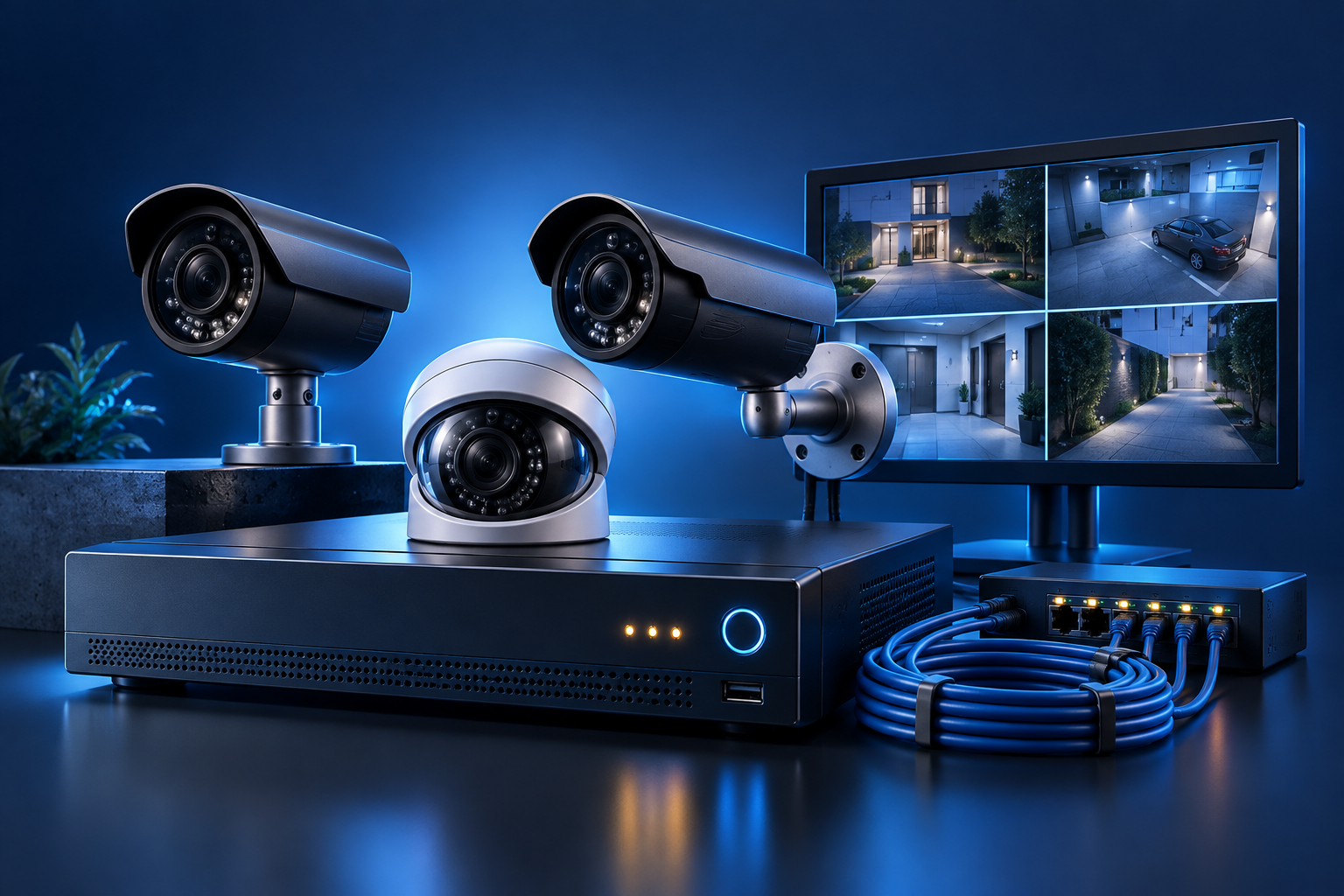
CCTV Installation
Plan and install a clear, reliable camera system for your home or workplace. We help with coverage planning, tidy cabling, recorder setup, mobile viewing and a straightforward handover.
- Camera placement and coverage planning
- Cabling, power and recorder installation
- Mobile viewing setup and handover
AMC coverage, visit frequency, response times, spare parts and software licences are confirmed in your service agreement. Contact us for a plan suited to your equipment.
Complete IT support & maintenance
From one-off issues to planned maintenance, SV IT Solutions provides practical ongoing support for your network, CCTV and computers—helping your technology stay dependable long after installation.

ABOUT SV IT SOLUTIONS
Local support.
Connected thinking.
Established in 2020, SV IT Solutions has been helping customers in Hyderabad with dependable computer, networking and security services. Based in NBT Nagar, Banjara Hills, we help you plan a new setup, solve a technical problem or maintain the systems you already use.
With practical, hands-on experience, our approach starts with understanding your space, equipment and requirements. From there, we explain the available options and help you choose a practical solution for everyday use.
HOW IT WORKS
From the first call
to a working solution.
Tell us what you need
Share the issue, location and equipment involved. We’ll discuss your requirements and whether a site visit is needed.
Choose the right setup
Review the proposed work, equipment and costs with us before the installation or service begins.
Install, check & support
We carry out the agreed work, check the setup and explain how to use it. Contact us when you need further assistance.
OUR PROJECTS
Real work. Every angle.
Rack installations, structured cabling and fibre work — a closer look at our projects.
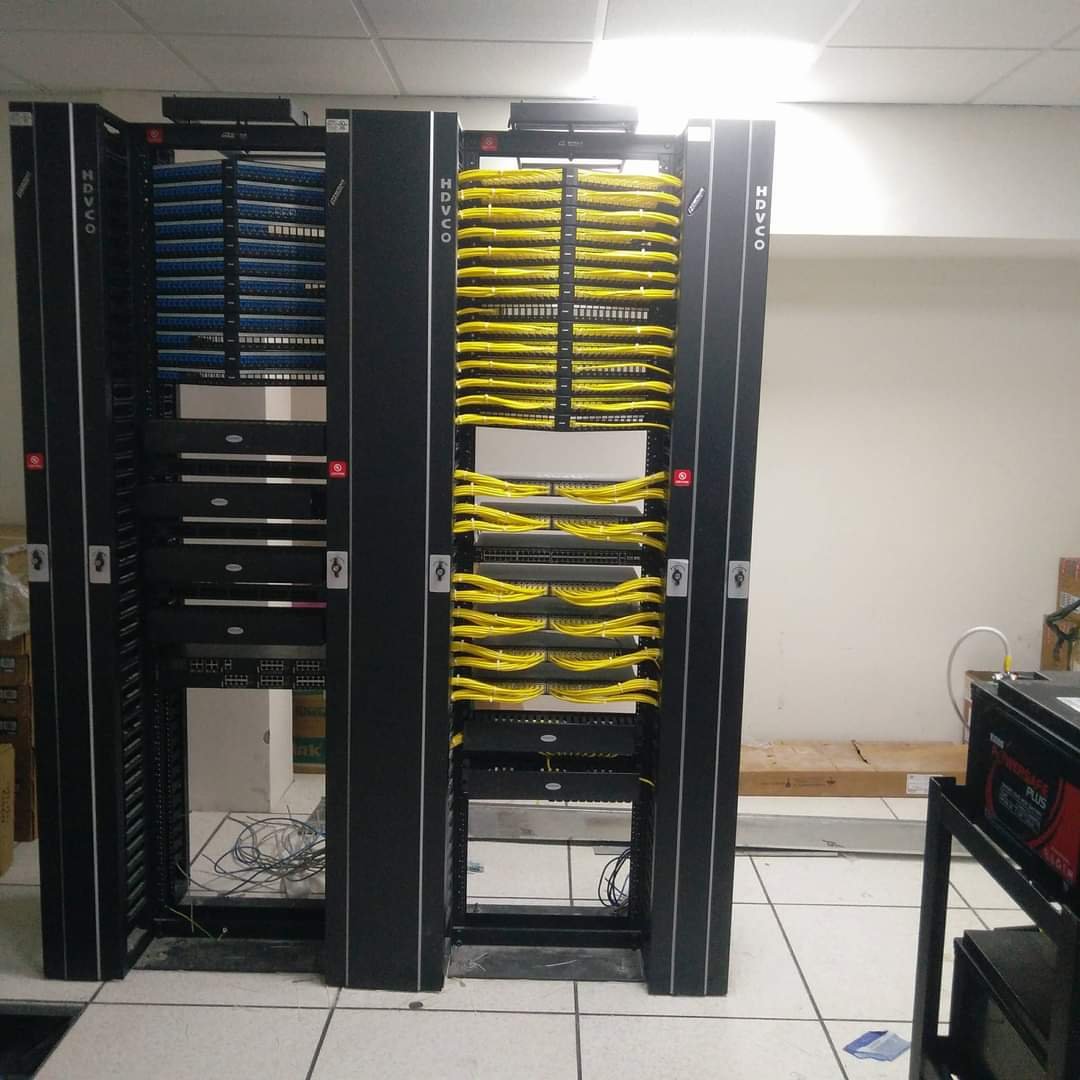
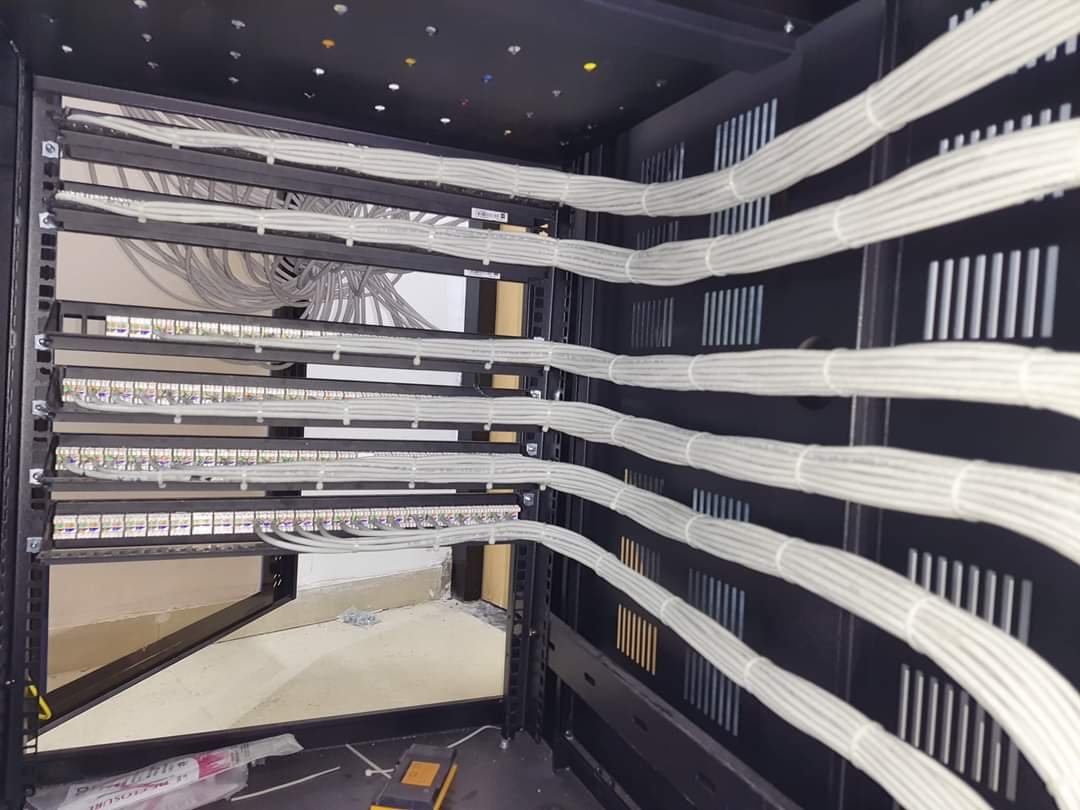
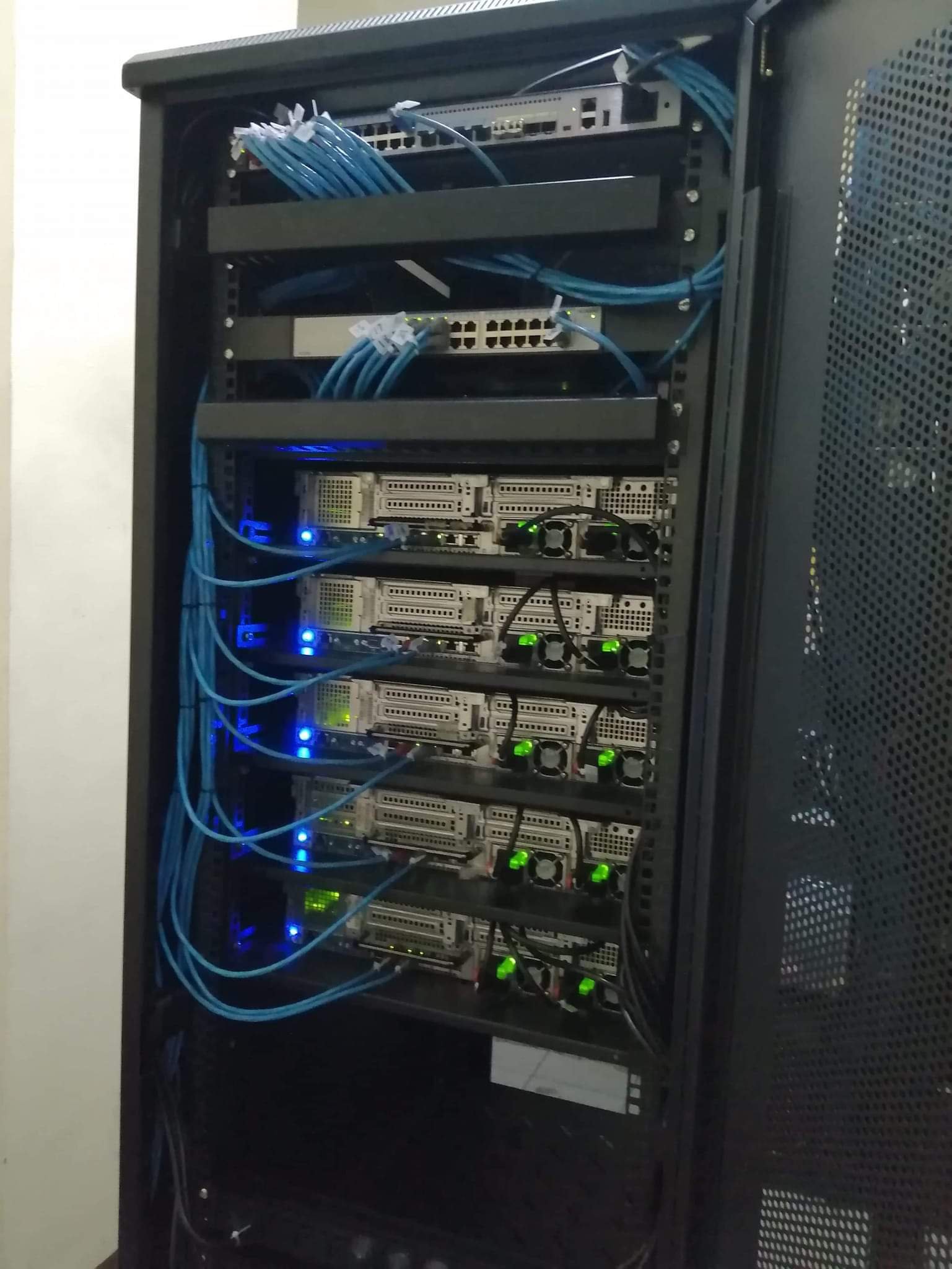
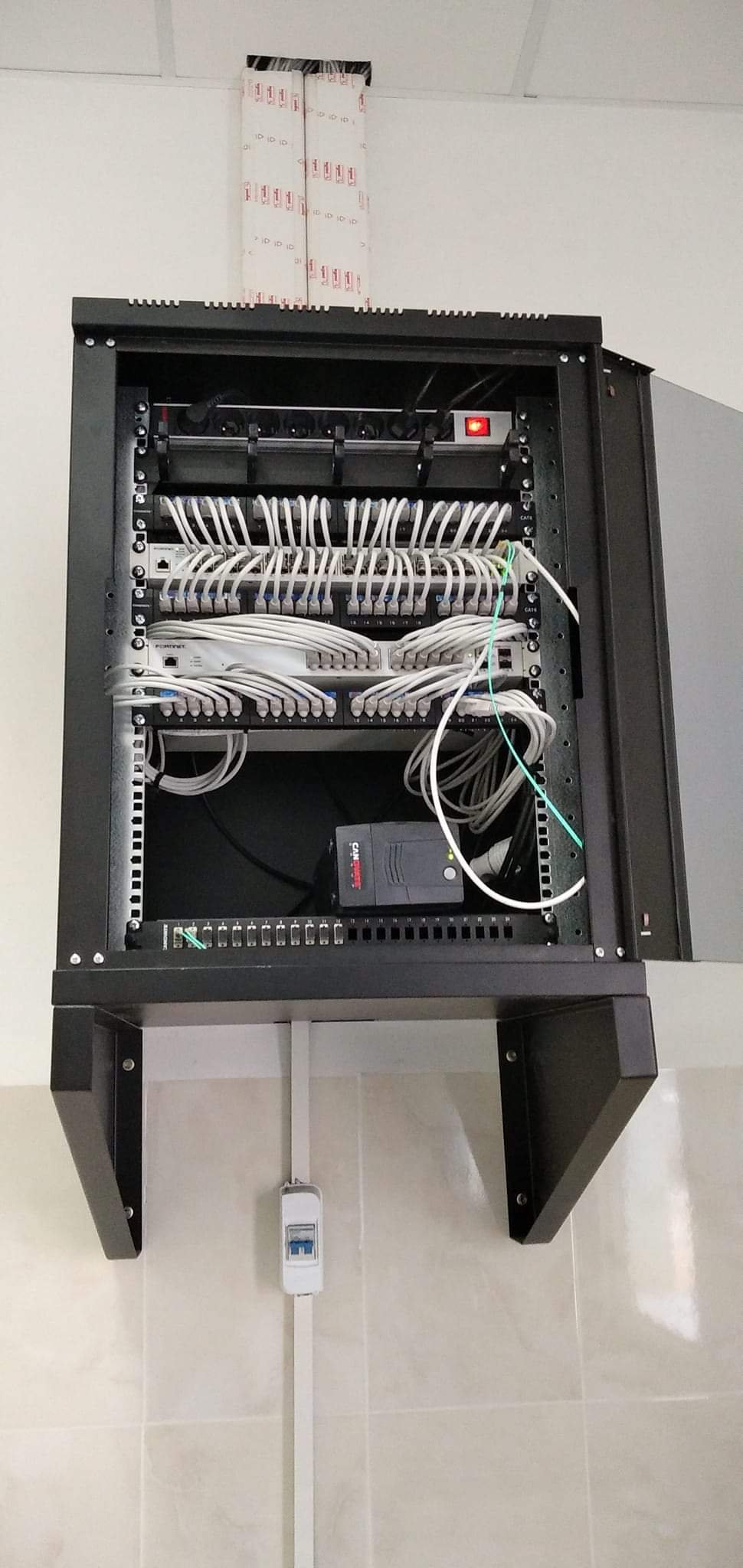
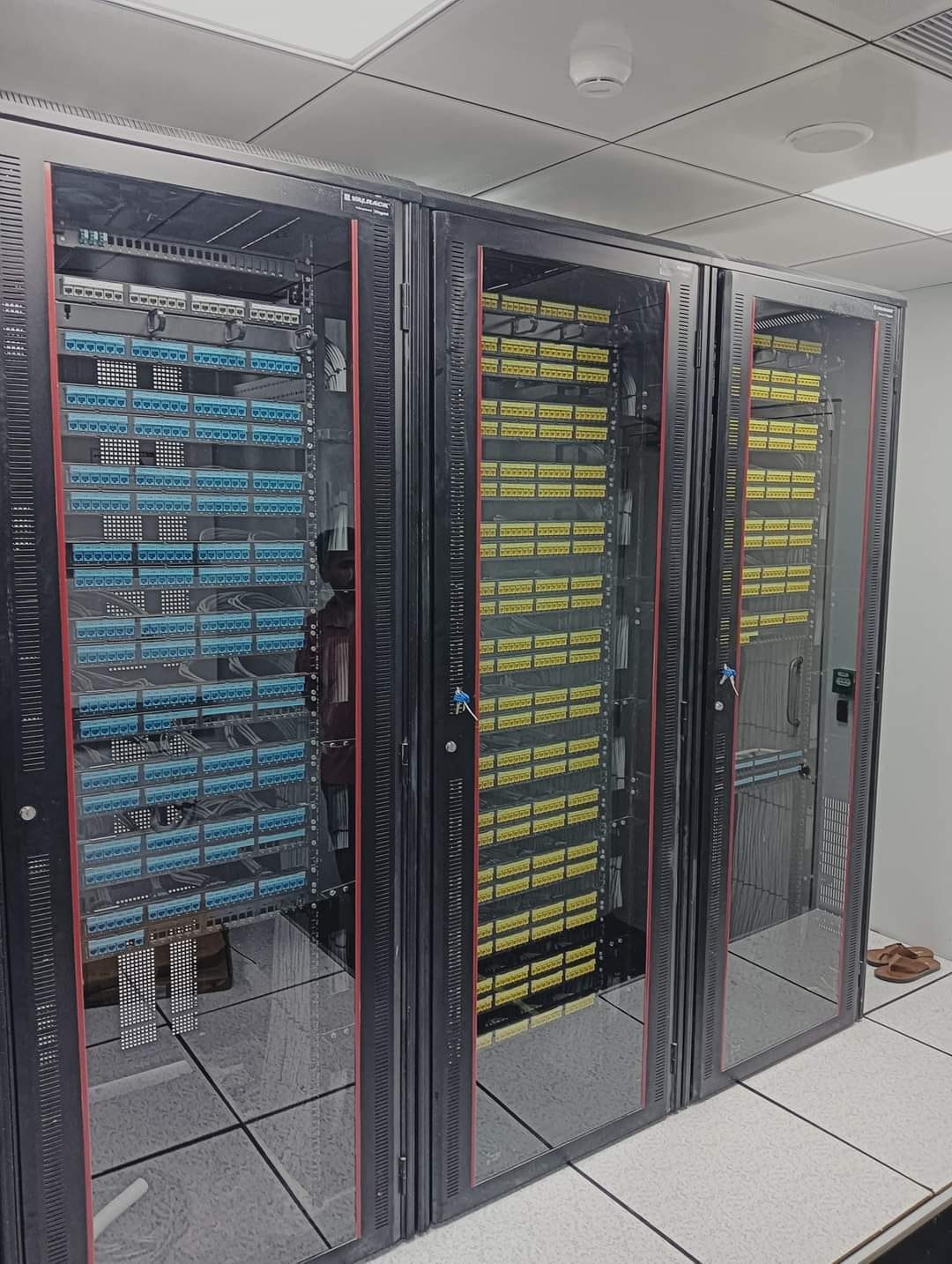
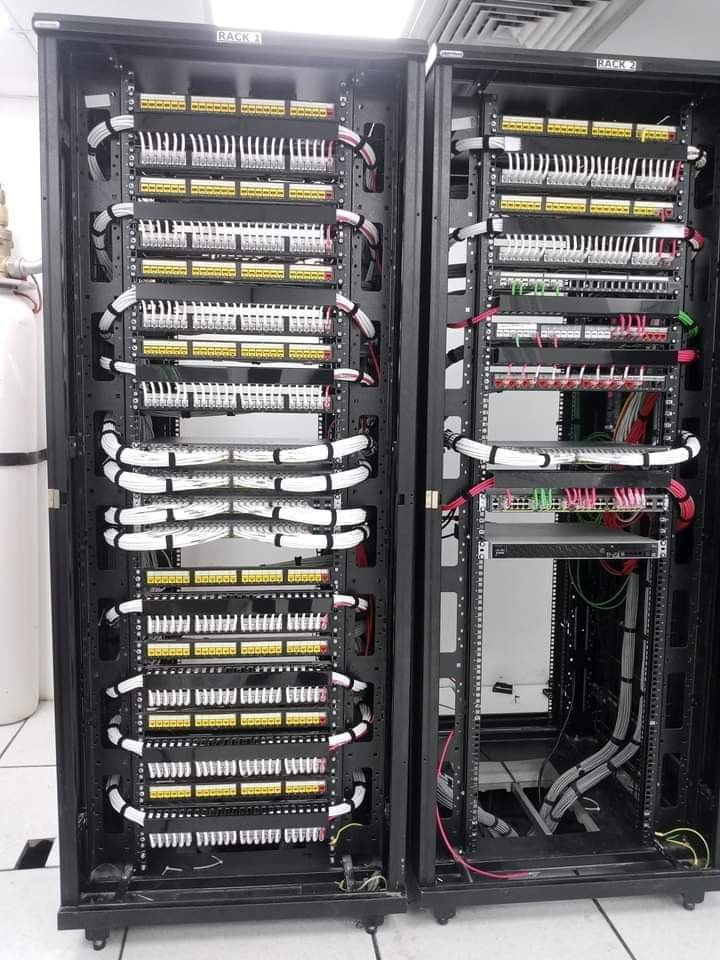
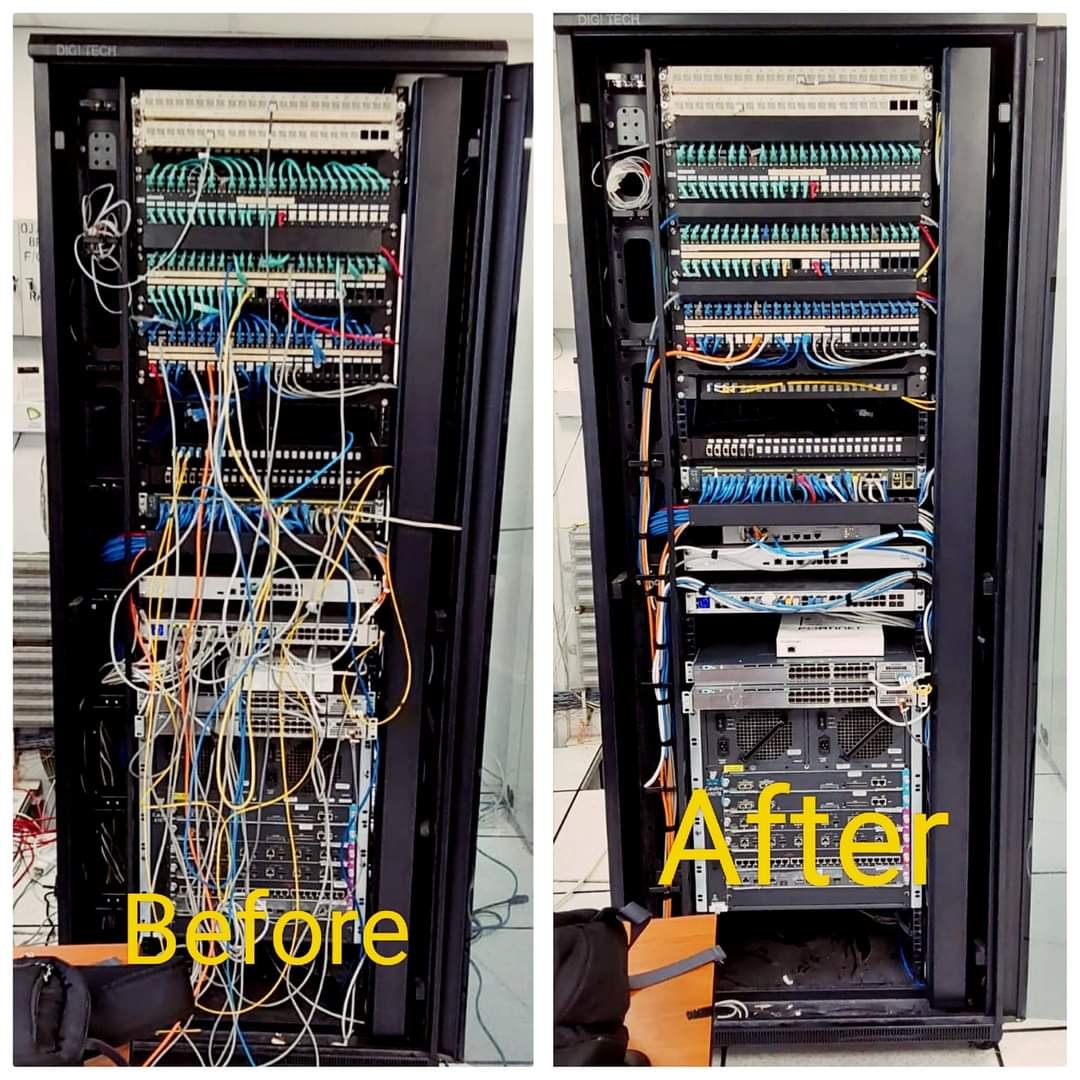
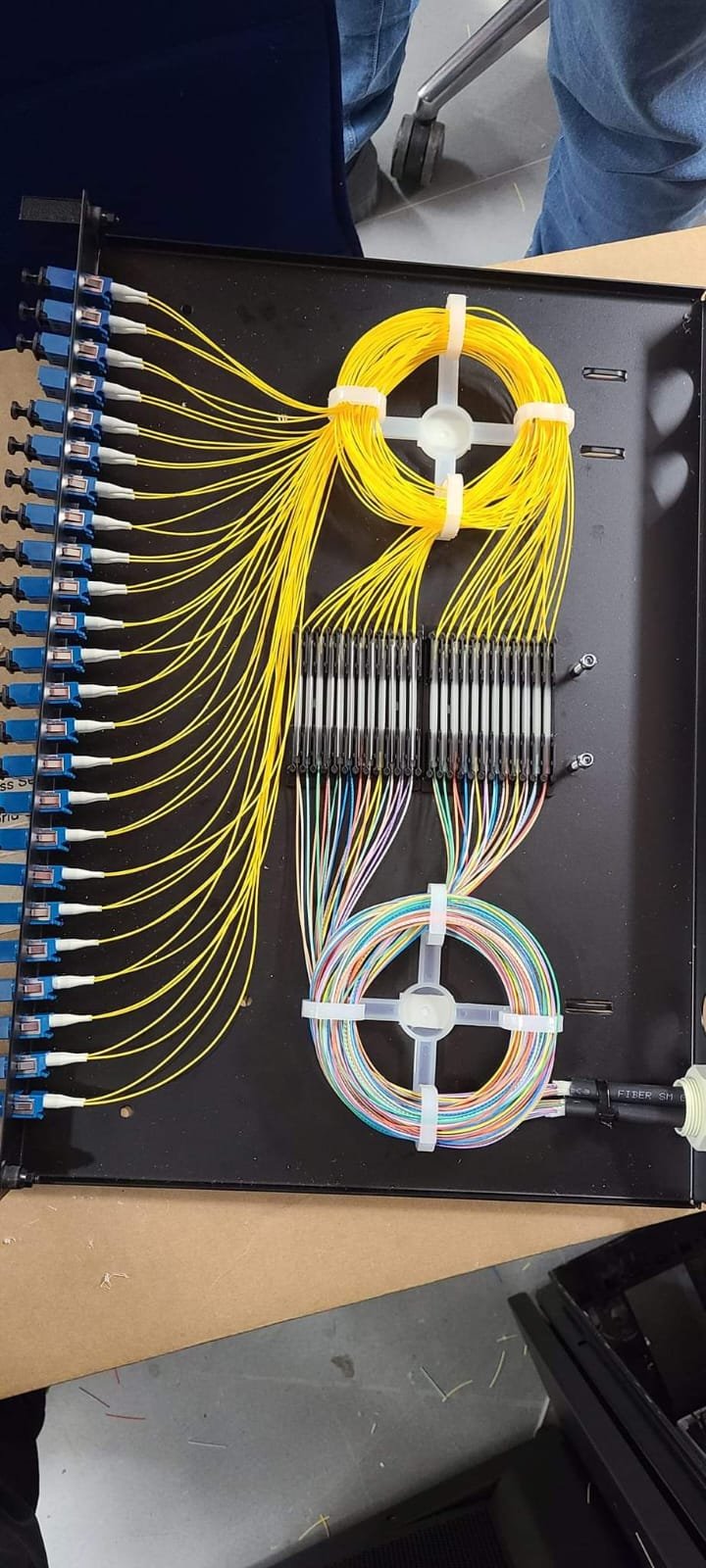
Original project photographs · Drag or use the arrows to explore
Do you support homes and businesses?
Yes. Contact us about computer, networking or CCTV requirements for your home, office or business premises in Hyderabad.
Can you service an existing setup?
Tell us the equipment type and issue you are facing. We can discuss troubleshooting, maintenance or upgrade options after assessing the requirement.
How do I get a quotation?
Call or email with your location, the service you need and any relevant equipment details. We’ll discuss the scope and provide pricing for the agreed work.
What should I share for CCTV installation?
Let us know your location, the areas you want to cover, your existing equipment if any, and your preferred viewing requirements. A site assessment may be needed to plan coverage.
CUSTOMER FEEDBACK
What clients value.
A ready-to-edit template for verified customer stories from Hyderabad homes, offices and businesses.
“Add an approved customer quote here.”
Customer nameCompany / service · Hyderabad location“Add an approved customer quote here.”
Customer nameCompany / service · Hyderabad locationLET’S CONNECT
Better IT starts
with a conversation.
Tell us what you’re planning or what needs fixing.
We’ll help you work out the next step.
Near Government High School, NBT Nagar,
Banjara Hills, Hyderabad, Telangana – 500034
View SV IT Solutions on Google Maps ↗